Apple Keychain Concept
Work - - 1 min read
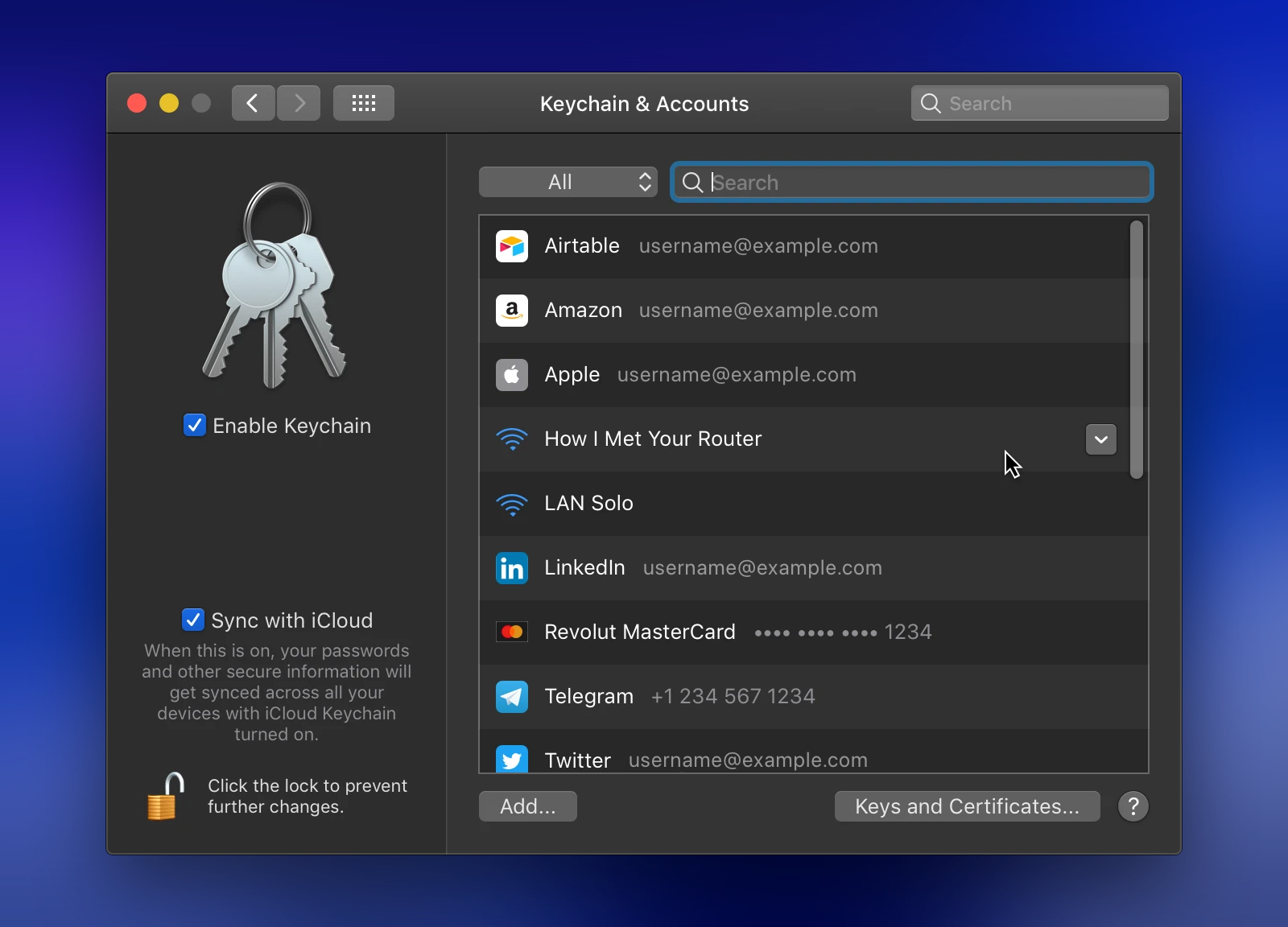
A macOS concept exploring what a user-friendly Keychain experience could look like, integrated directly into System Preferences using the design language of the OS.
Challenge
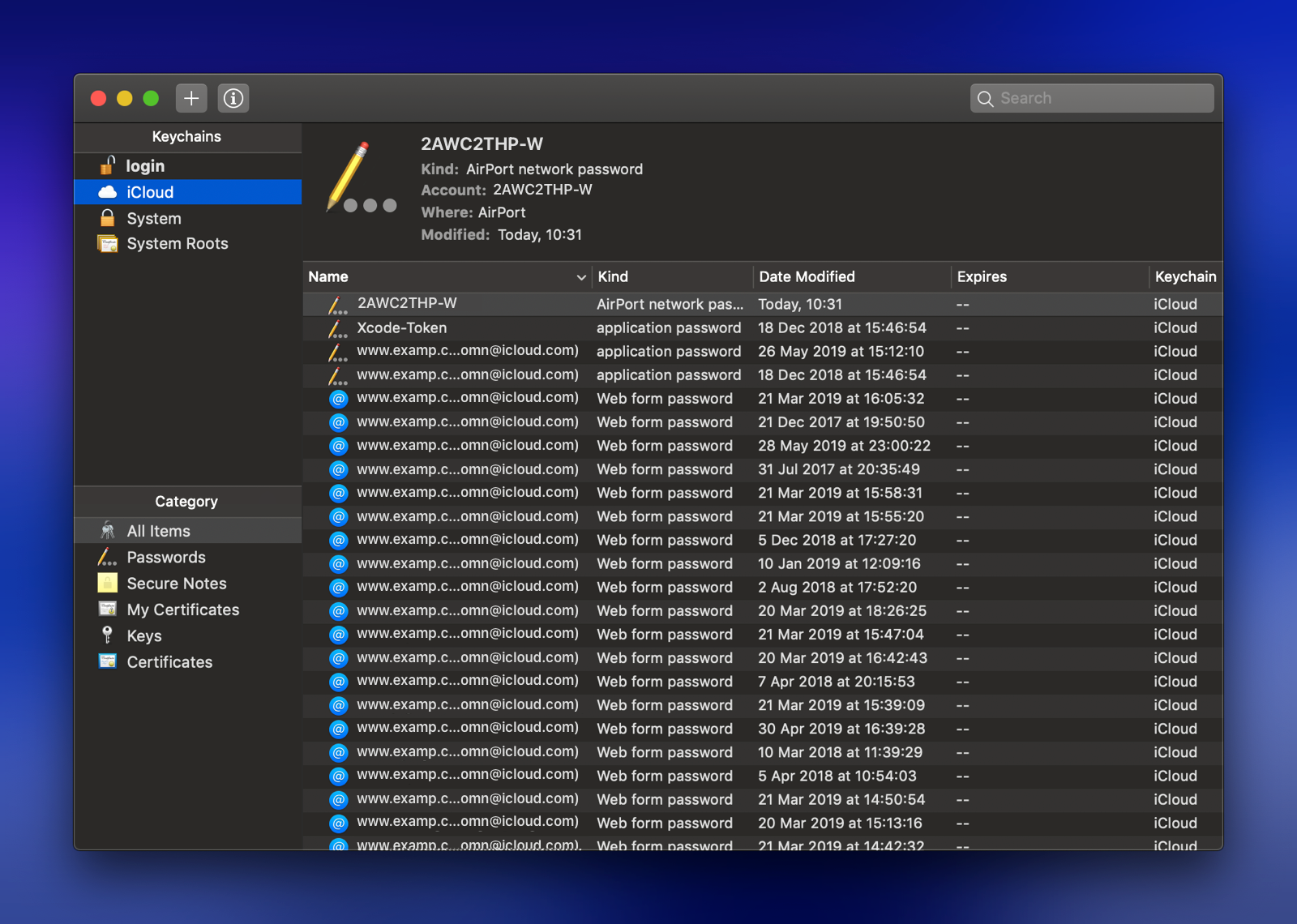
When Apple introduced iCloud Keychain to sync passwords across devices, they never gave it a proper home. The only way to manage your saved credentials was through Keychain Access, a developer utility buried alongside system certificates and cryptographic keys. Functional, but completely mismatched for everyday users. Meanwhile, iOS had quietly started surfacing saved passwords inside Safari’s settings, hinting that Apple saw the value. The gap on macOS was obvious: a powerful, built-in password sync system with no real interface to match.
Solution
The concept added a dedicated panel to System Preferences, following the existing design language of the OS rather than introducing anything foreign. It grouped three things users actually cared about: website passwords, Wi-Fi credentials, and saved card details. All in one place, with an iCloud sync toggle, consistent with how other settings handled it at the time. No new paradigm, just the right experience in the right place.
Apple eventually shipped a standalone Passwords app covering much of the same ground.